PUBG Server Status and Outage Updates
Is PUBG down right now? Get real-time PUBG server status insights and solve connection issues fast for PC, console, and mobile players.
If you’re stuck at the login screen, staring at a frozen lobby, or getting hit with an authentication error, the obvious question is: is PUBG down right now? That can apply to PUBG: Battlegrounds on PC, console, or PUBG Mobile, and the answer is not always as simple as “servers are dead.” Because PUBG is a live-service battle royale run across multiple regions and separate platform ecosystems, scheduled downtime and sudden outages both happen pretty regularly. In April 2026, with Update 41.1 pushing out Xeno Point and the Stellar Blade crossover, server traffic has been especially busy, so this is a good time to break down how to check PUBG server status properly, tell a real outage from a local problem, and get back into a match as quickly as possible.
Is PUBG Down Right Now — Status Check
The quickest way to figure out is PUBG down right now is to compare at least two separate sources before you assume the servers are the problem. One player having issues could be dealing with anything from ISP routing trouble to a bad local network setup, so checking just one source usually is not enough.
KRAFTON’s official support account on X, @PUBG_Support, is usually the first place to look. It posts maintenance schedules and, when things go wrong unexpectedly, it often acknowledges live issues pretty fast. The official site at pubg.com is also useful, especially for patch notes and scheduled downtime listed in UTC. On the third-party side, Downdetector is still the most reliable quick-read tool for PUBG. If you suddenly see several hundred reports or more piling up in a short span, that’s usually a strong sign the problem is server-side and not just on your end.
The important part is reading those reports correctly. A planned maintenance window will almost always be announced ahead of time through official channels, and the Downdetector spike tends to start right when that maintenance begins. A real outage looks different: reports jump out of nowhere, and there’s no earlier notice from KRAFTON. That difference matters a lot, because a scheduled patch window might last hours by design, while an unplanned outage can be fixed quickly or drag on depending on what broke.
| Signal | Planned Maintenance | Unplanned Outage |
|---|---|---|
| Official announcement before the event | Yes | No |
| Downdetector spike timing | Matches scheduled window | Sudden, unexpected |
| KRAFTON response on X | Pre-posted notice | Reactive acknowledgment |
| Typical resolution window | 4–9 hours | Varies widely |
PUBG Server Status by Platform
One thing players miss all the time is that PUBG does not run on one single shared server setup. PC, console, and mobile all have different infrastructure, and that changes how you should troubleshoot the issue.
PUBG Battlegrounds PC runs through Steam alongside KRAFTON’s regional data centers. When PC maintenance is scheduled, it usually starts during early UTC hours. Update 41.1, for example, brought PC servers down on April 8 from 00:00 until roughly 08:30 UTC. If you play on Steam, don’t just check PUBG’s own channels. Steam authentication problems can block login even when PUBG itself is technically fine, so Steam status matters too.
PUBG console on PlayStation 4, PlayStation 5, Xbox One, and Xbox Series follows its own maintenance schedule. For Update 41.1, console downtime landed on April 16 from 01:00 to 09:00 UTC. On top of that, console players also have to account for PSN and Xbox Live. If PSN is having auth issues, for example, your PS5 session may fail before PUBG’s servers even come into play. Same idea for Xbox. It’s always worth checking both the PlayStation Network Service Status page and the Xbox Status page when console matchmaking or login starts acting up.
PUBG Mobile is a separate case entirely. It runs on infrastructure managed by Level Infinite, not the same backend used by PUBG: Battlegrounds on PC and console. That means PUBG Mobile can be down while PC is perfectly healthy, or the other way around. During the 4.4 update cycle, mobile saw its own weapon balance changes and Metro Royale content, with maintenance windows unrelated to Update 41.1. If your issue is on mobile, you’ll want to check Level Infinite’s official channels and the in-game notice board instead of relying on Battlegrounds updates.
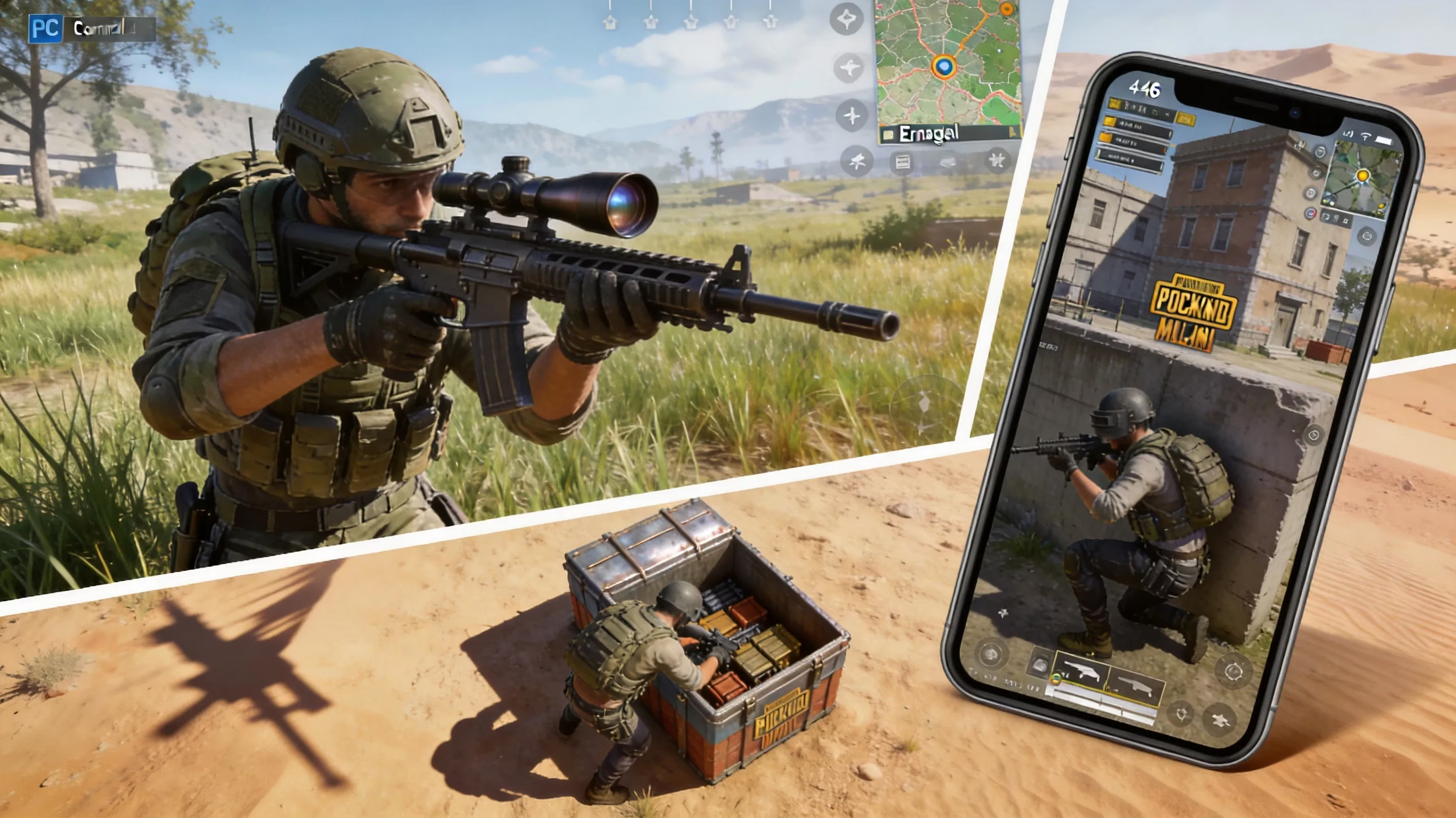
PUBG Not Working Symptoms
Not every “PUBG isn’t working” moment means the servers are actually down. A lot of issues look the same at first, which is why the exact symptom matters.
Login failures and authentication errors are some of the most common signs during both maintenance and legitimate outages. If the message mentions authentication servers or Steam login problems, the issue is usually upstream from the game client. And if it happens right after a maintenance window is supposed to end, there’s a decent chance the servers are still coming back online rather than fully stable.
A stuck matchmaking queue is another classic one. Your lobby loads, your squad is ready, everything looks normal, and then nothing happens. That often points to a partial regional issue where lobby services are up but the match-assignment backend is struggling. It can also be completely intentional under Update 41.1’s ranked matchmaking hour restrictions. In regions like SA and EU Squad, ranked only runs during specific UTC windows now, so an empty queue outside those hours is expected behavior, not a bug.
High ping and packet loss during a live match usually suggest something different. That’s more often tied to regional routing trouble or an overloaded data center than a full outage. SEA, NA, and EU players can all see very different latency depending on which server location they get assigned.
Store and Event Pass problems are also worth separating from actual gameplay outages. If your Xeno Point Event Pass rewards are missing, purchases are delayed, or the store throws an error, that usually points to backend service trouble rather than matchmaking failure. Annoying, definitely, but not always a sign the whole game is down.
PUBG Fixes Before Blaming Servers
Before you pin everything on KRAFTON, it’s worth running through the usual local fixes. Honestly, a lot of “server outages” turn out to be client or home network issues.
-
Restart the game client and your platform
-
On PC, fully close PUBG and Steam, then relaunch both.
-
On console, do a full power cycle instead of a quick soft restart.
-
On mobile, force-close PUBG Mobile and open it again.
-
Verify files or check for updates
-
Steam’s file verification tool can catch broken or incomplete patch files.
-
This matters even more right after a major update like 41.1.
-
On console, make sure the newest patch actually finished installing.
-
Test region and DNS
-
If PUBG lets you switch regions, try another one to see whether the issue is tied to a specific data center.
-
Flush your DNS cache and, if needed, try a public resolver like Google’s 8.8.8.8.
-
This can help if your ISP routing is the real problem.
-
Reboot your router and check NAT
-
A router reboot clears stuck connection tables and can fix intermittent packet loss.
-
On console, a Strict or Moderate NAT type can interfere with session connectivity.
-
If the issue feels random and inconsistent, this step is way more useful than people think.
These steps are basic, but they work often enough that they’re worth doing before you assume PUBG’s servers are cooked.
April 2026 PUBG Maintenance and Patch Impact
April 2026 has been especially active for PUBG, mostly because Update 41.1 is not a small patch. It brought enough new content and backend changes that longer maintenance windows were expected right out of the gate.
For PC, Update 41.1 maintenance ran on April 8, 2026, from 00:00 to about 08:30 UTC. That’s roughly eight and a half hours, which lines up with a major deployment. Console maintenance followed on April 16 from 01:00 to 09:00 UTC. These are noticeably longer than the shorter hotfix windows, which usually sit closer to four hours. The reason is pretty straightforward: 41.1 included major backend work for Xeno Point, expanded Destructible Terrain on Erangel, and fresh attachment balance data.
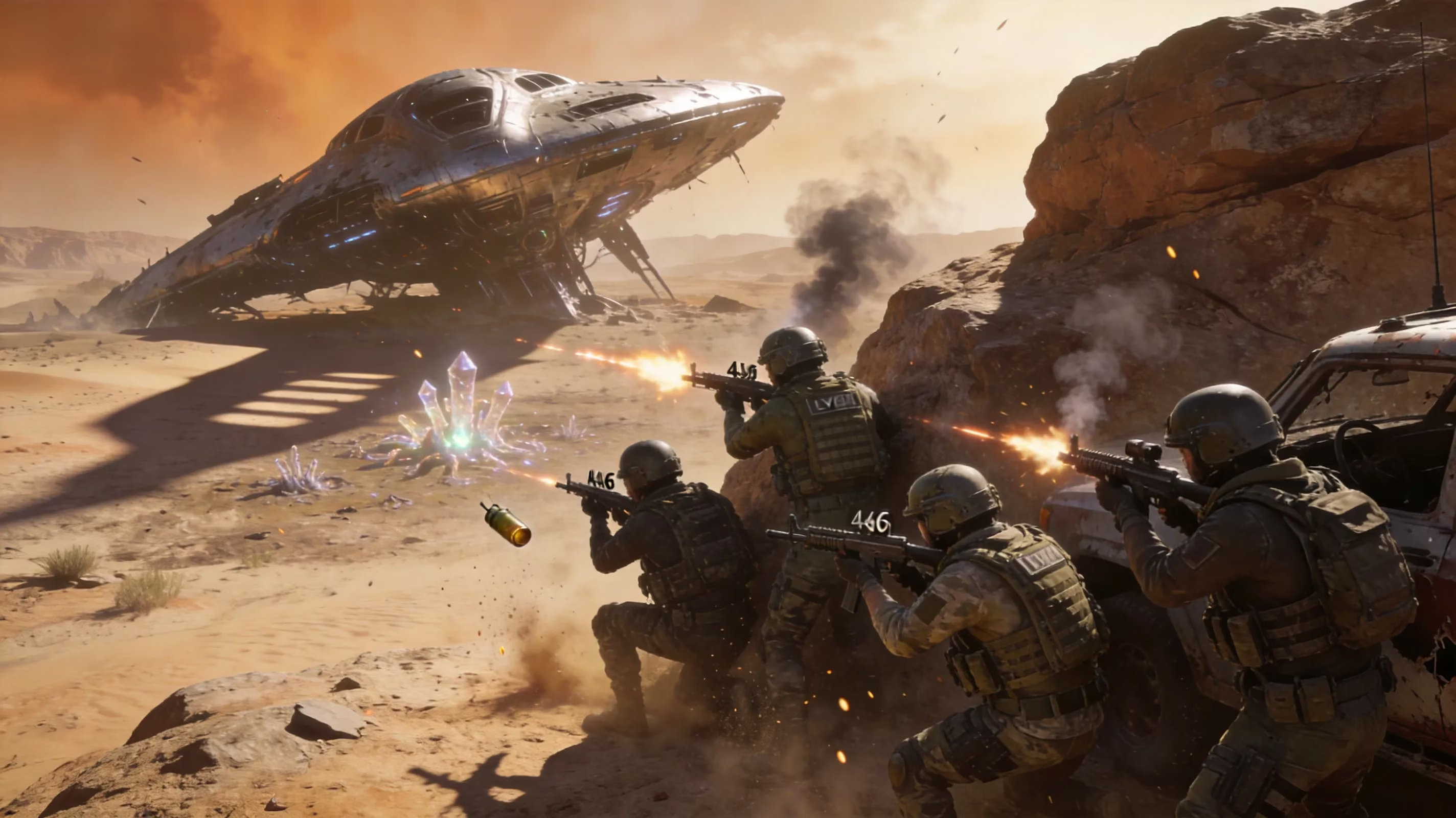
The new Xeno Point mode is a big part of why this patch had extra server impact. It needs dedicated server-side logic to handle the alien invasion mechanics on Miramar, and the linked Event Pass: Xeno Point depends on backend progression systems as well. Not long after launch, players started reporting that some Xeno Point skill bonus effects on rare gear were applying incorrectly, with superpowers dealing less damage than intended because of a buff calculation issue. KRAFTON responded with a hotfix maintenance window on April 22, set for 03:00 Moscow time, which is 00:00 UTC, and expected to last around four hours.
That same April 22 hotfix also expanded the ranked mode operating hour changes first tested during the 41.1 cycle. After seeing better matchmaking quality in thinner regions like SA and SEA, KRAFTON pushed those queue-hour restrictions wider. The ranked schedule after the hotfix is:
| Region / Queue | Ranked Operating Hours (UTC) |
|---|---|
| SA Squad | 21:20–05:00 |
| SEA Duo | 11:00–17:00 |
| NA Squad | 00:30–04:30 |
| EU Squad | 12:00–00:30 |
If you try to queue ranked outside those windows, you’ll probably just sit there with nothing happening. That’s intended, not a server failure.
PUBG Outage Tracking and Next Steps
If you’ve already ruled out local issues and it really does look like PUBG is having server trouble, the next move is simple: watch the right places and don’t waste time refreshing random feeds.
The best status sources for PUBG, in order, are usually:
-
@PUBG_Support on X for immediate outage and maintenance updates
-
The pubg.com news section for full maintenance details
-
Downdetector for crowd-sourced confirmation
For PUBG Mobile, swap those out for the @PUBGMOBILE account and the Level Infinite support portal, since mobile runs on different infrastructure.
Community channels can also be surprisingly useful. The official PUBG Discord and the r/PUBATTLEGROUNDS subreddit often light up fast when something breaks, sometimes before an official post goes live. Steam discussions for PUBG: Battlegrounds, under Steam App ID 578080, are another strong real-time check if you want to confirm whether matchmaking complaints are widespread.
If an outage affects ranked play, KRAFTON’s usual policy is to review rank point losses tied to confirmed server instability. If that happens to you, submit a ticket through the official support portal at support.pubg.com and include your match ID plus a clear description of what happened. That same support portal is also where you should report Event Pass progression not tracking during a disruption. Refund requests for in-game purchases made during an outage are handled case by case, usually under Steam’s or the platform holder’s own refund rules.
And sometimes the best move is just to wait. Planned maintenance has a published end time, so there’s no real upside in hammering the login button every few minutes. For unplanned outages, PUBG issues are often resolved within one to three hours based on past patterns, though more complicated problems tied to new systems — like the early Xeno Point issues — can take longer.
Conclusion
If you’re trying to answer is PUBG down right now, the best approach is still the practical one: check official KRAFTON updates first, confirm with Downdetector second, and use Discord, Reddit, or Steam discussions as a third layer. Platform matters more than a lot of players realize, since PC through Steam, PlayStation through PSN, Xbox through Xbox Live, and PUBG Mobile through Level Infinite all rely on separate systems and separate maintenance schedules. Before blaming the servers, make sure you’ve gone through the standard checks on your side: restart the client, verify files, test DNS, reboot the router, and check NAT if you’re on console. With Update 41.1, Xeno Point, hotfixes, and ranked-hour changes all landing in April 2026, PUBG’s maintenance calendar is busier than usual, so keeping an eye on patch timing is pretty much part of the game right now. When a real outage does hit, KRAFTON’s support portal is the place to go for ranked-loss reviews and progression issues. Then it’s just a matter of waiting for the servers to settle and getting back to the battlegrounds.
Data referenced from SteamDB can help you separate a true PUBG: Battlegrounds outage from a Steam-side login or patch-distribution problem: if Steam-wide services are shaky or large depots are updating, you may see authentication errors, slow downloads, or stuck “logging in” behavior even when PUBG’s regional servers are otherwise healthy. Pairing SteamDB’s live platform signals with KRAFTON notices and crowd reports makes it easier to judge whether to troubleshoot locally (restart Steam, verify files, wait for content servers) or simply ride out a broader service disruption.