PUBG Mobile Controller Support and Setup Guide
In 2026, using a controller on PUBG Mobile requires clever workarounds, as native support remains absent to maintain competitive balance. This essential guide reveals the safest methods, from emulators to trigger accessories, while warning of the high ban risks associated with risky software mapping.
If you've been asking can you use a controller on PUBG Mobile, the short answer in 2026 is yes—but only in certain ways, and not all of them are equally safe. The big catch is that PUBG Mobile still isn't built for native controller play on phones, so your real options depend on platform, setup method, and how much account risk you're willing to take. In this guide, we're breaking down what actually works, what can get you flagged, and which alternatives make more sense if you just want better control without gambling your account.
Can You Use a Controller on PUBG Mobile
Official Support Status in 2026
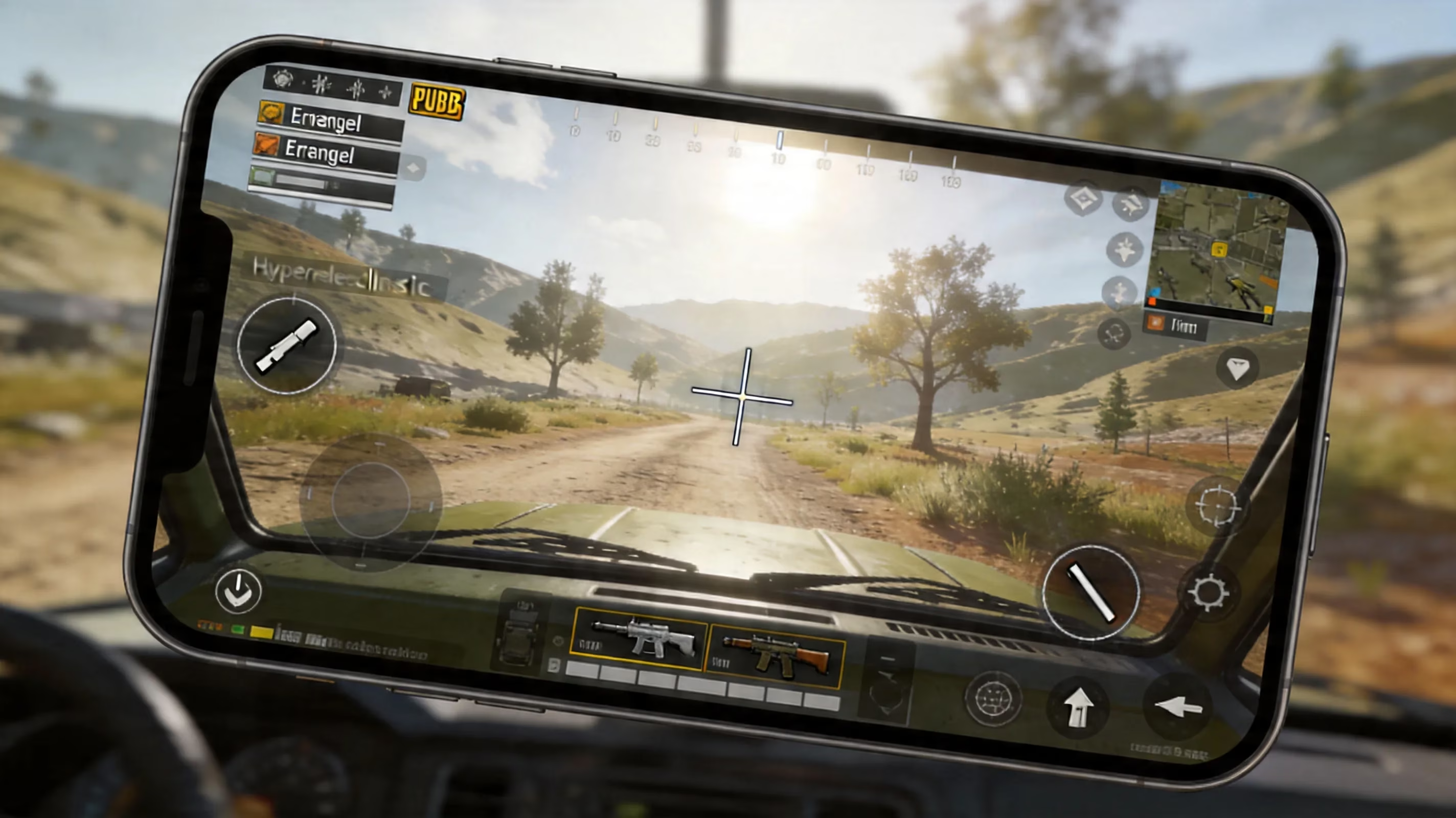
As of 2026, PUBG Mobile still does not officially support wired or Bluetooth controllers on Android or iPhone. The game was designed around touchscreen controls from the start, and that shows in how the client handles input. Virtual buttons, swipe aiming, and gyro are the intended control systems, not native gamepad support. So if you connect an Xbox controller or DualSense and jump in expecting full functionality, that's not what happens.
Here’s the quick version:
| Platform | Controller Detection | In-Game Functionality |
|---|---|---|
| Android (Samsung, OnePlus) | Partial — some HID input registered | D-pad may work; analog sticks, triggers largely non-functional |
| iOS (iPhone 15/16 series) | Full Bluetooth pairing via Settings | Zero native in-game mapping; controller inputs ignored by PUBG Mobile |
On Android, a few devices and firmware versions may pick up limited controller input through the Android Game Controller API. In practice, though, it's messy. You might get menu movement from the D-pad, while the analog sticks and triggers do basically nothing once the match starts.
On iPhone, pairing is easy enough through iOS settings, especially with MFi-compatible pads like the Xbox Wireless Controller or DualSense. The problem is PUBG Mobile itself doesn't respond to those inputs in actual gameplay. So the important takeaway is simple: native controller support is still not part of PUBG Mobile, and if you want a working setup, you'll need some kind of workaround.
Why Krafton Withholds Official Support
The main reason comes down to competitive balance. A physical controller gives you smoother aiming, more reliable trigger input, and generally better consistency than tapping glass. In shooter games, analog input can improve recoil control and target tracking in ways touch controls struggle to match.
If Krafton added full controller support without separating players by input type, matchmaking would get messy fast. Controller users would have a built-in edge over touch players. Creating a proper input-based queue system would take extra development work and could split the player base more than the developers want, so for now, PUBG Mobile stays firmly touchscreen-first.
PUBG Mobile Controller Methods and Ban Risk
If you're trying to figure out can you use a controller on PUBG Mobile through unofficial methods, there are a few routes players usually take. Some are relatively safe. Others are absolutely not worth it.
The emulator route is the cleanest option if you want real controller support. This means running PUBG Mobile through a PC Android emulator like GameLoop or LDPlayer 9, then connecting your controller by USB or Bluetooth. GameLoop is the most notable one here since Tencent built it specifically with PUBG Mobile in mind. It supports proper dual-stick movement, shoulder buttons, and custom bindings. More importantly, emulator players are placed into separate matchmaking pools, which is how the game handles fairness.
The Bluetooth touch-mapper route keeps you on your phone, but uses third-party apps like Octopus or Panda Gamepad Pro to convert controller input into fake touchscreen taps. On paper, that sounds convenient. In reality, it's the riskiest software-based method by a mile. PUBG Mobile's anti-cheat in 2026 pays attention to touch timing, coordinates, and input rhythm. Mapper apps often produce taps that look too perfect—same locations, same timing, almost no human variation. That's exactly the kind of pattern that gets noticed.
The clip-on trigger route is much safer because it doesn't involve software injection at all. Accessories such as BIGBIG WON Gaming Triggers or PUK Mobile Gaming Triggers physically press parts of your screen where you've placed fire or ADS buttons. To the game, these still look like normal touchscreen inputs. You don't get full controller movement, but you do get real physical triggers, and that's a pretty solid middle ground for mobile players.

Here's how the main methods compare:
| Method | Full Analog Support | Ban Risk | Platform |
|---|---|---|---|
| Emulator + controller | Yes | Medium-Low | PC |
| Bluetooth mapper app | Partial | High | Android |
| Clip-on hardware triggers | No (fire/ADS only) | Low | Android/iOS |
| Root or Shizuku-based input | Yes | Extreme | Android |
That last category—root-based or Shizuku-assisted input methods—is where things get especially dangerous. Those setups bypass normal app permissions and tend to attract the harshest anti-cheat responses, including permanent bans.
Safe PUBG Mobile Controller Setup
If you're going with the emulator option because it offers the best mix of functionality and safety, the setup is pretty straightforward.
Start by downloading GameLoop from the official Tencent source and installing it on a PC that can actually handle it well. A system around an Intel Core i5, 8 GB of RAM, and a dedicated GPU is usually enough for stable 60 FPS or better. Once GameLoop is installed, grab PUBG Mobile through its built-in store. After that, connect your controller through USB-C or Bluetooth in Windows, then head into GameLoop's controller settings and make sure every button is mapped correctly.
Before you even think about ranked, spend at least 20 minutes in Training Ground. Seriously, this part matters way more than people expect. You want to check HUD alignment carefully, especially for fire and ADS, since those need to match your trigger bindings exactly. A lot of first-time emulator players run into weird ADS issues simply because the mapped positions are slightly off.
It’s also worth adjusting sensitivity right away. GameLoop defaults can feel way too fast, especially for camera movement and scoped aiming. Lowering the default mouse DPI and then tuning sensitivity inside PUBG Mobile usually gives you much cleaner recoil control.
For safer ranked sessions, keep this checklist in mind:
-
Make sure PUBG Mobile is fully updated inside the emulator
-
Double-check that no overlay, macro tool, or third-party helper software is running
-
Never use recoil scripts or auto-fire tools
-
Stay in the emulator matchmaking pool and don't try to force mixed lobbies unless the game handles it automatically
That last point matters. If the system detects emulator play properly, it will place you where you're supposed to be. Trying to get around that is where players start creating unnecessary risk.
Best Controller Alternatives for PUBG Mobile
If you'd rather stay on your phone and avoid all the gray-area controller stuff, there are still several strong options that improve performance without adding ban risk.
The biggest upgrade for most players is the four-finger claw layout. This is easily one of the best native control improvements you can make. By moving fire, ADS, crouch, and peek buttons into positions your index fingers can reach, you free up your thumbs for movement and camera control. That means you stop having to do actions one after another and can start doing them at the same time. It takes roughly 10 to 15 hours of focused practice before it feels natural, but once it clicks, the difference in close-range fights and peek battles is huge.
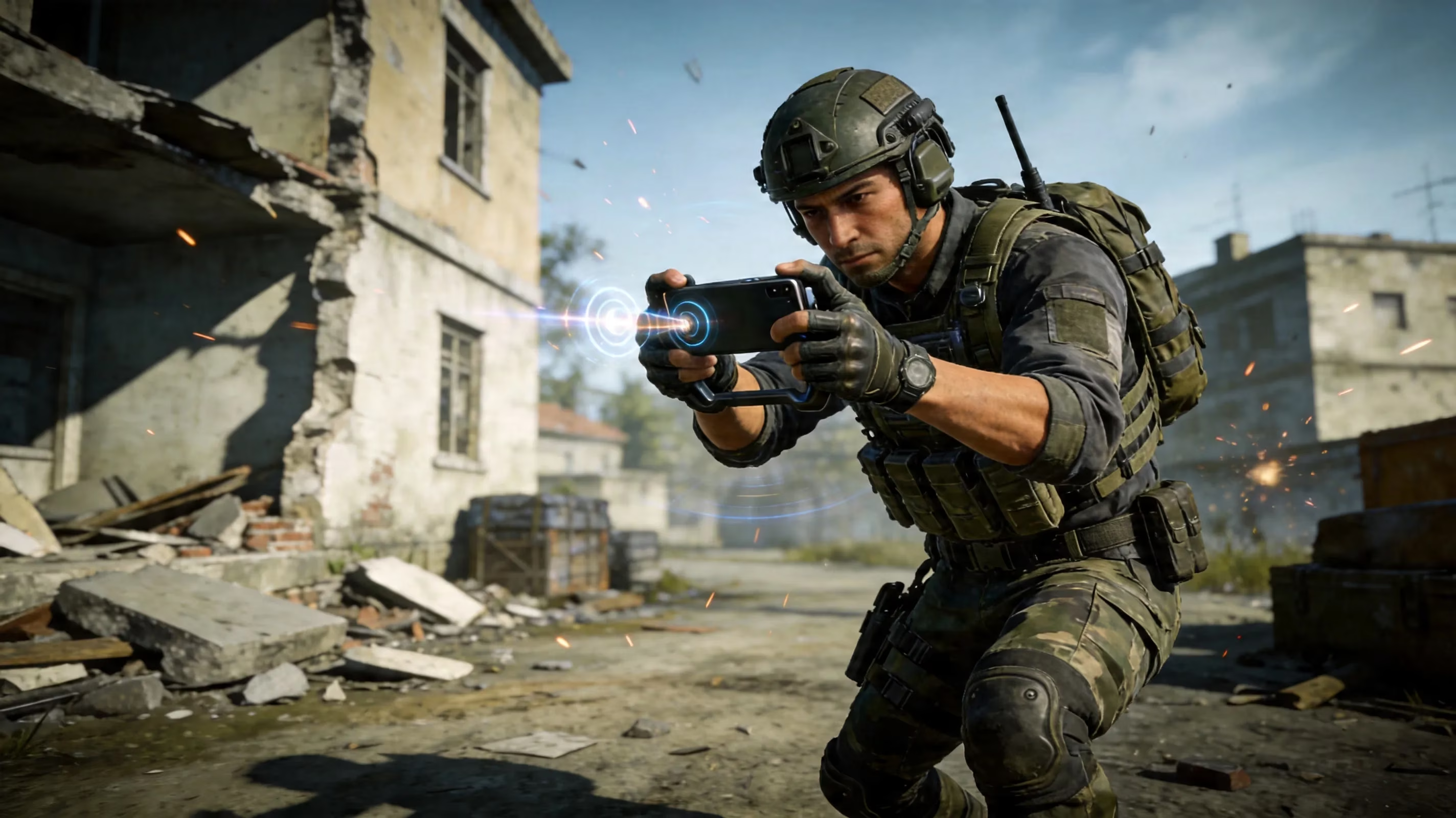
Another really strong option is gyro plus hardware triggers. A lot of high-level mobile players prefer this hybrid setup for a reason. Gyroscope aiming helps with micro-adjustments during sprays and scoped tracking, while clip-on triggers handle fire and ADS more comfortably than raw thumb taps. If you set gyro to "scope only" or "always on," you can get a level of precision that feels surprisingly close to what controller players want from analog sticks. Accessories like BIGBIG WON or GOFOYO CK3 triggers fit especially well here.
A few extra accessories can also help more than people think:
-
Phone coolers: reduce thermal throttling and keep frame rate stable
-
Finger sleeves: improve swipe consistency when your hands get sweaty
-
Grip attachments: reduce fatigue during long ranked sessions
There are also players who should probably skip the controller idea entirely. If you've already mastered claw and gyro on mobile, switching to a full gamepad setup may not actually help. In fact, it can slow you down for a while because you're rebuilding muscle memory from scratch, and if you're doing it through emulator, you're also moving into a tougher matchmaking pool. For experienced touch players, refining what already works is often the better call.
PUBG Mobile Controller Performance and Matchmaking
Controller performance on emulator versus optimized mobile touch controls is a little more balanced than people assume. Input delay on a properly configured PC emulator with a wired controller usually lands around 10 to 20 milliseconds from button press to on-screen action. A high-end Android phone with optimized touch input can hit around 8 to 12 milliseconds. In normal matches, that gap is basically invisible. At very high ranks, though, tiny differences can matter.
Aiming and recoil control are where analog sticks do offer real benefits. Thumbstick pressure gives you smoother target tracking and more controlled vertical compensation during sprays with weapons like the AKM or M416. That said, moving from touch to emulator controller isn't instant free value. You'll need to rebuild your sensitivity setup almost from zero, because GameLoop's default camera movement tends to feel overly fast, especially for scoped fights.
The other major factor is matchmaking. Emulator users are automatically placed into emulator lobbies, which means you're not farming touch players with better hardware. You're playing against other people who also have access to a mouse-and-keyboard or controller-friendly environment. That raises the average skill floor quite a bit.
For ranked grinding, the best choice depends on where you are right now. If you're below Platinum and still struggling with touch controls, emulator play might genuinely make things easier once you settle into it. If you're already Diamond or higher on mobile touch, the switch can actually hurt your short-term results because the queue pool changes and the adaptation period is real.
PUBG Mobile Controller FAQ
Can you use a controller on PUBG Mobile safely
Yes, but only through certain methods. The safest current option for full controller play is the PC emulator plus wired gamepad setup, especially through GameLoop with an Xbox or PlayStation controller. It gives you proper analog control, dedicated matchmaking, and avoids injecting anything directly into the mobile client. The risk is still not zero, but it's generally considered medium-low as long as you stay away from macros and scripts.
The highest-risk option is using a Bluetooth touch-mapper app on an Android phone. Those apps simulate touchscreen input, and PUBG Mobile's anti-cheat actively looks for the unnatural timing and coordinate patterns they create. Repeated flagged sessions can lead from temporary suspensions to permanent bans.
Does PUBG Mobile detect controllers
PUBG Mobile doesn't really care whether a controller is physically paired to your device. What it does care about is how the input looks. If a mapper app turns controller commands into synthetic taps, the anti-cheat system can analyze those taps and notice that they don't behave like real human touches.
Human input has natural inconsistency. Touch points shift slightly. Timing varies. Mapper-generated taps often don't. They tend to hit identical screen coordinates with machine-like consistency, and over time that creates a suspicious profile.
Clip-on triggers avoid this problem because they create actual physical contact with the screen. The emulator route avoids it in a different way: the game already recognizes that you're in an emulator environment and handles matchmaking around that.
Is emulator better than mobile controller
If you're talking about pure controller experience, yes—the emulator route is clearly better. You get full dual-stick movement, proper triggers, a larger display, and a much more complete control setup for aiming, movement, and recoil management. No mobile-native controller workaround really matches that.
The trade-off is matchmaking. Emulator lobbies are filled with players who have similar hardware advantages, so your relative edge disappears. On mobile, even a simpler setup like hardware triggers for fire and ADS can still improve your comfort and reaction speed without changing the queue pool. So the better option depends on what you value more: absolute control quality on emulator, or keeping your existing mobile matchmaking environment while making smaller upgrades.
Conclusion
If you're still wondering can you use a controller on PUBG Mobile, the safest answers in 2026 are pretty clear. For full controller support, the best route is GameLoop on PC with a wired gamepad. If you want to stay on mobile and keep risk as low as possible, clip-on triggers are the smarter play.
For competitive mobile players, though, the best overall setup often isn't a full controller at all. A solid four-finger claw layout, gyro aiming, and mechanical triggers give you a serious upgrade without stepping outside PUBG Mobile's intended input system. At the end of the day, account safety matters more than any short-term control advantage, especially if you've spent years building up rank, skins, and progress.